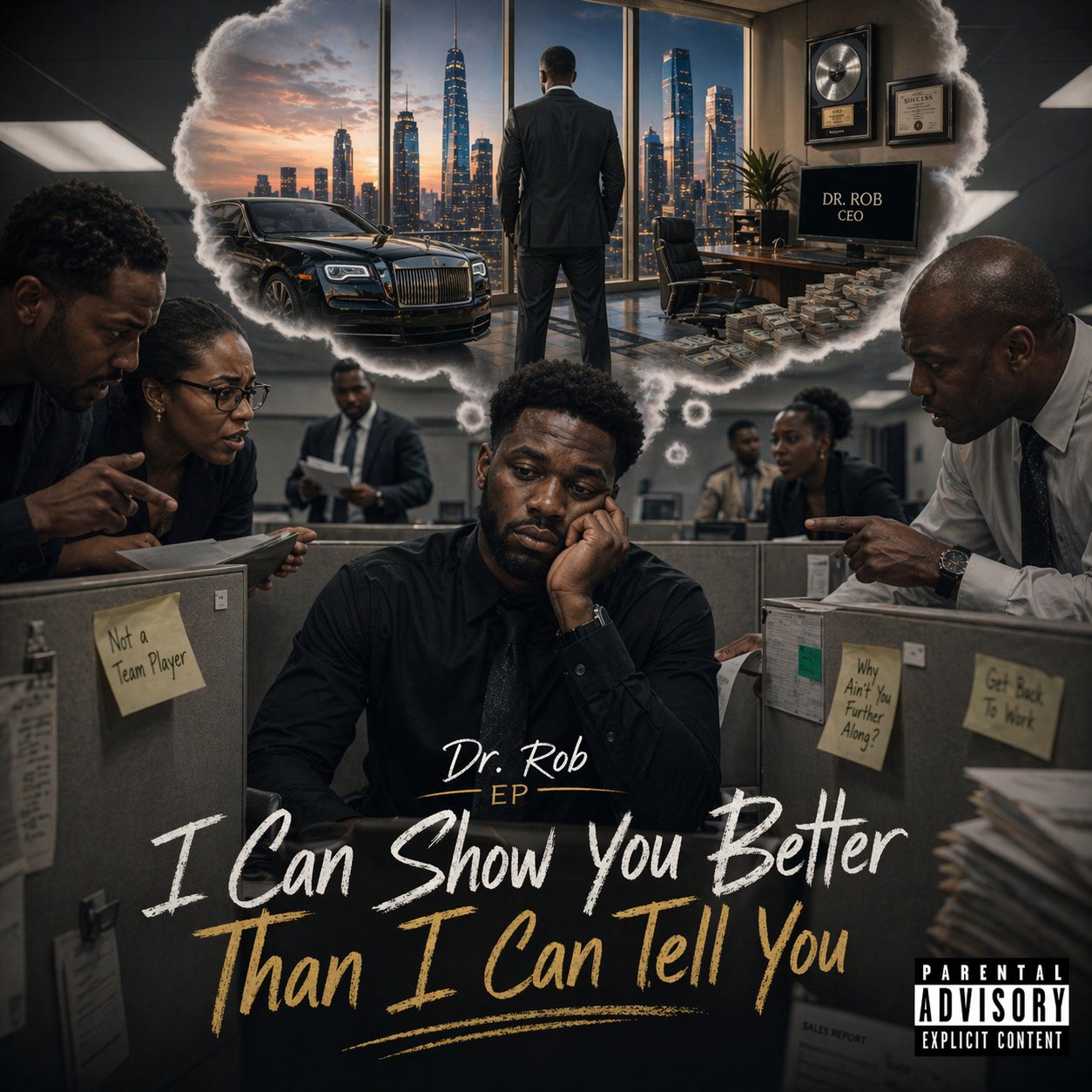
The debut EP from Dr. Rob McNeill
Six tracks. One victory lap. This is the sound of a man who built it, owns it, and is enjoying every minute of it. Put it on in the car, in the office, or while you work on your own win. Press play and vibe.
Tap Play for a 30-second taste of each track. Take one home for $1, or grab the whole EP for $5. No tip required at checkout — just pay the price.
Read this before you buy if you want. It takes about 2 minutes from payment to pressing play. No Ko-fi account needed. No tip required.
Tap Buy $1 on any track, or Buy Full EP $5. A new page opens on Ko-fi.com. That's the payment company — they handle the money and the file safely.
Ko-fi lets you check out as a guest. Just type your email address and pay. No sign-up, no password, no club to join.
Ko-fi takes credit card, debit card, Apple Pay, Google Pay, and PayPal. Pick whichever one's easiest and complete the purchase.
Ko-fi may show a "tip" or "support" field on the checkout page. You do NOT have to tip. Change the tip amount to $0 and your total stays at $1 (or $5 for the full EP). The music is yours either way.
Right after you pay, you'll see a thank-you page with a big button that says "Download". Tap it. Your song (or the full EP zip) starts downloading right away.
Ko-fi also emails you a download link — even if you closed the page too fast. The email comes from "Ko-fi". Check your inbox AND your spam folder.
Single track = an MP3 file. Full EP = a ZIP file with all 6 songs inside. Next step tells you where it went.
Your MP3 or ZIP went into the Files app (the blue folder icon on your phone). Open Files → tap Downloads or On My iPhone → you'll see it.
To unzip the Full EP: Open Files → tap the .zip file once → iPhone unzips it automatically into a folder with all 6 tracks inside. Tap any song to play.
Your MP3 or ZIP went into the Downloads folder. Open your Files app (or "My Files" on Samsung) → tap Downloads → you'll see it.
To unzip the Full EP: Tap the .zip file → pick "Extract" → all 6 tracks unpack into a folder. Tap any song to play.
Check your Downloads folder. Mac: Finder → Downloads. Windows: File Explorer → Downloads.
To unzip the Full EP: Mac: double-click the .zip — it opens automatically. Windows: right-click the .zip → "Extract All" → pick a folder → done. All 6 tracks are inside.
Apple Music / iTunes: Drag the MP3 file into the Music app on your computer. It syncs to your phone automatically.
Spotify: Can't import MP3s in the mobile app. On computer → Spotify → Settings → Local Files → add folder → done.
Just want to play it? Skip the music library. Tap the file in Files/Downloads and it plays.
Didn't get the file? Link expired? Downloaded the wrong thing? Email robert@morganyorkconsulting.com with your Ko-fi receipt (or the email you used to pay). I'll send your file personally within 24 hours.
You paid for it. You'll get it. Guaranteed.